SnapDock
A downloadable tool for Windows and Linux
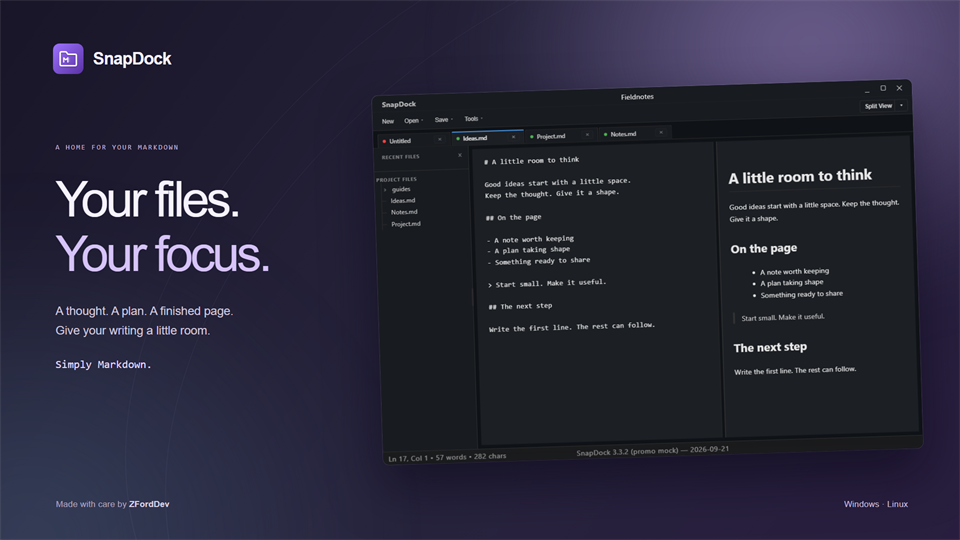
Your files. Your focus.
Write notes, project briefs, documentation or anything else that belongs in a Markdown file. SnapDock brings your files, folders, tabs and previews together in one desktop editor.
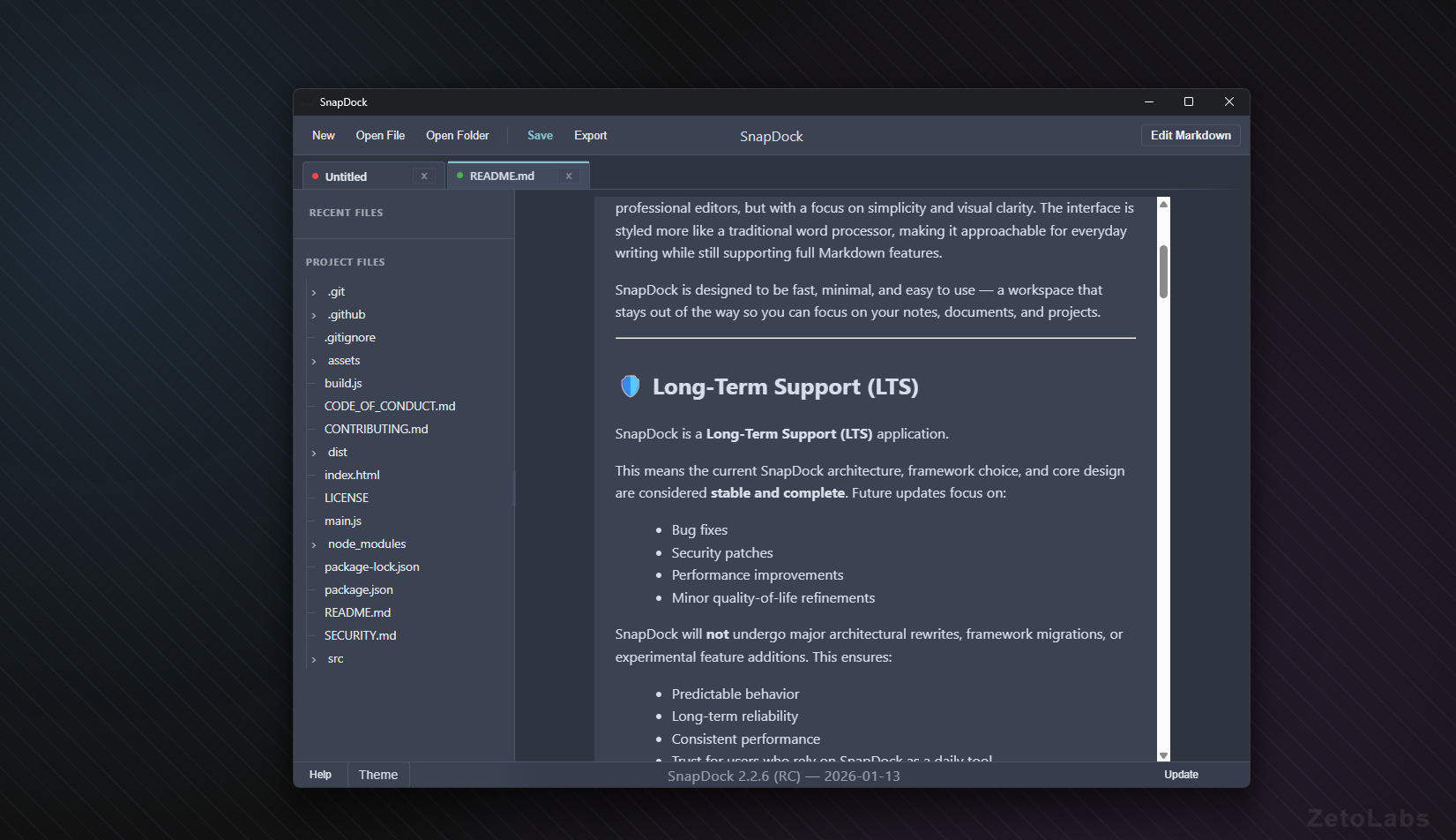
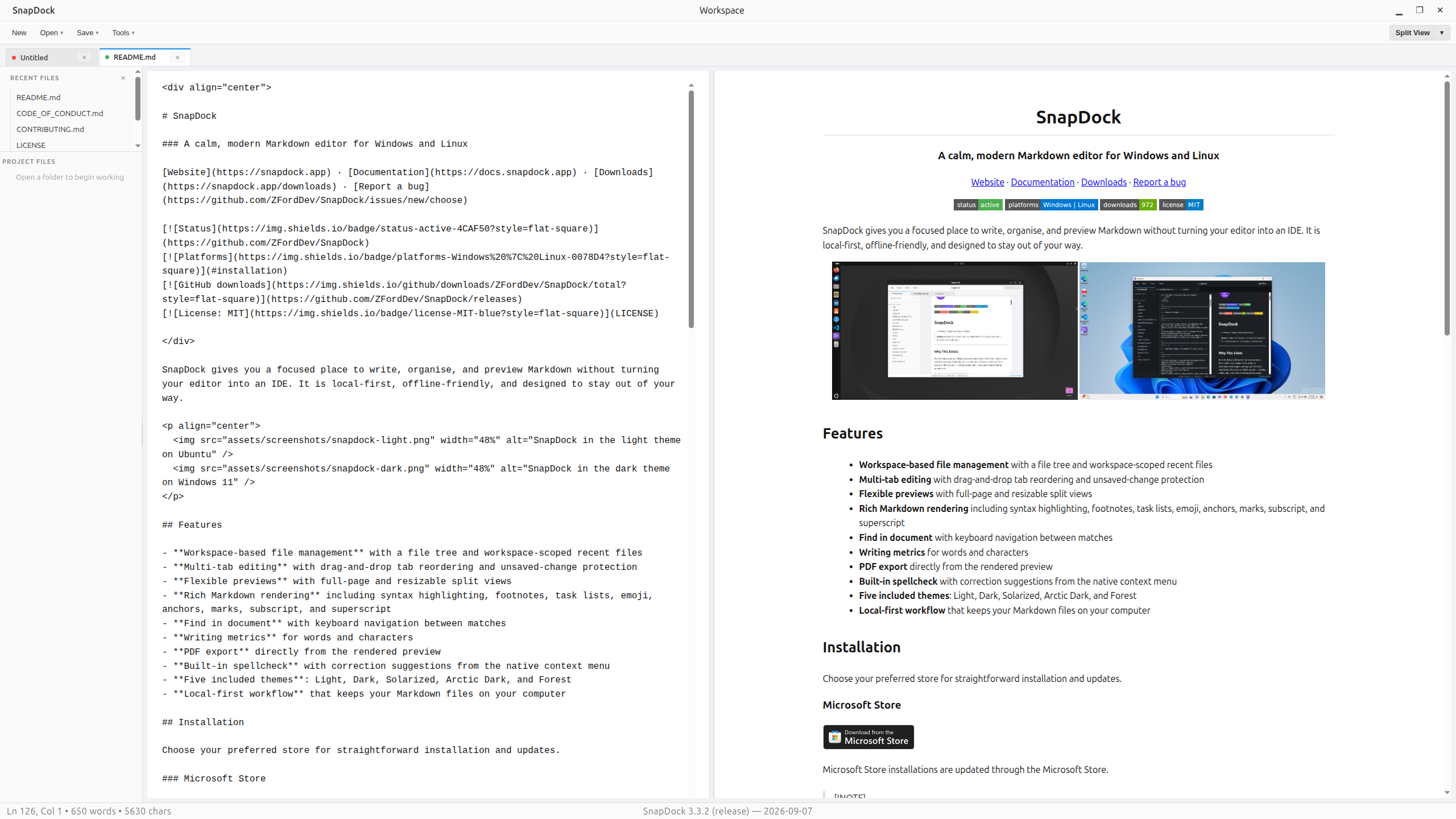
Open a folder, move between files and see your Markdown as you work with a full or side-by-side preview. Everything stays in ordinary Markdown files on your computer.
Simply Markdown.
- Browse project folders and keep multiple files open in tabs.
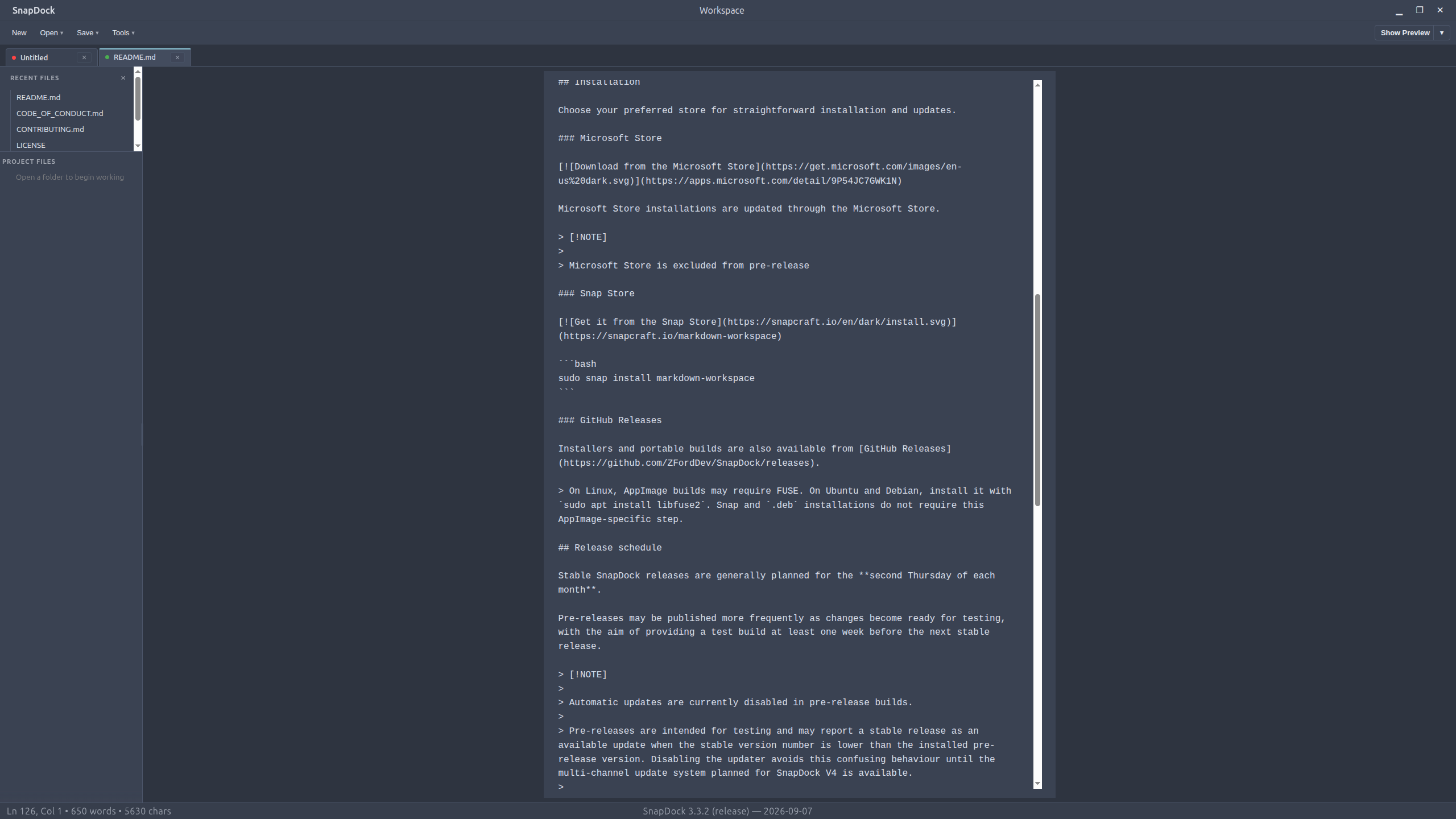
- Switch between editing, full preview and an adjustable side-by-side view.
- Render code blocks, tables, task lists, footnotes and callouts.
- Search your document, check spelling and keep track of your word count.
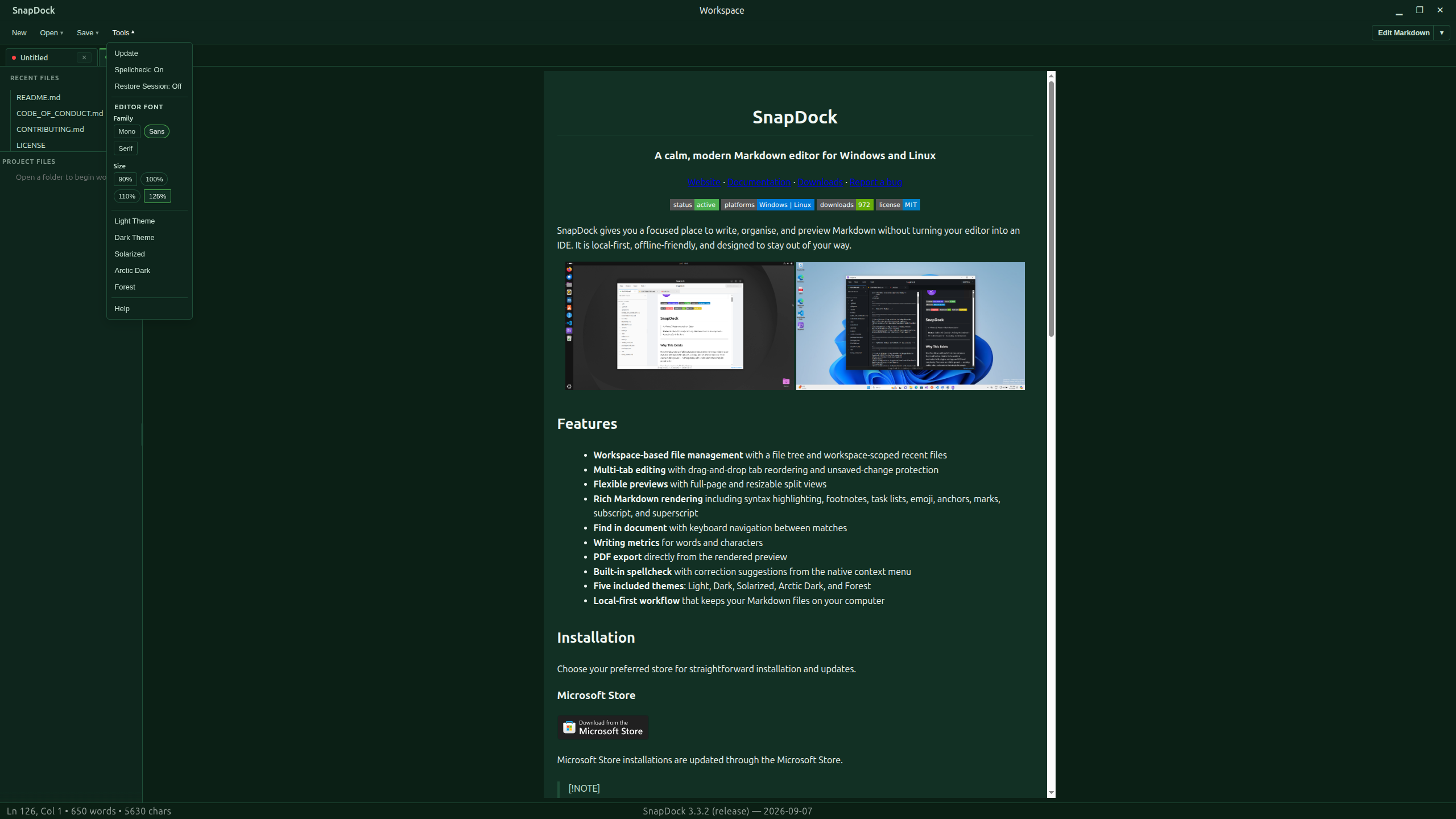
- Choose from Light, Dark, Solarized, Arctic Dark and Forest themes.
- Export your rendered document directly to PDF.
Your Markdown stays yours
SnapDock works with ordinary Markdown files on your computer. No account, proprietary document format or subscription required. It is free and open source under the MIT licence.
Get SnapDock
Download the latest release for Windows or Linux.
Made by ZFordDev for Windows and Linux.
Website · Watch the tour · Documentation · Source code · Report an issue
Download
Click download now to get access to the following files:
Also available on

Comments
Log in with itch.io to leave a comment.
I can’t find a way to change the font, not even changing the font size seems possible. Much too small for me, unusable, sorry.
Hey Torsten,
Thanks so much for the feedback, really appreciate you taking the time to point this out. I’ve opened an issue on GitHub to track it, and I’ll be working on adding proper font size and font family controls
I agree this is something SnapDock should support, and I’m aiming to have a fix included in the next update.
if you want to track it the issue is #176
Thank you for your quick response. It would be great if the font could be customised in future, thanks for your effort.
This is awesome!